
GSpamCleaner Team
2024-07-10 • 12 min read
Google Ads Account Blacklisted? Here is How to Recover and Reinstate Your Account
Step-by-step guide to recover your blacklisted Google Ads account. Get expert manual review, detailed analysis, and guaranteed reinstatement process.
🚨 Google Ads Account Suspended or Blacklisted?
Your Google Ads account may be blacklisted due to malware, spam, policy violations, or security issues. Don't panic—our specialist team helped hundreds of businesses reinstate their accounts successfully.
⚡
Immediate Steps to Take When Your Google Ads Account Gets Blacklisted
Time is critical when dealing with a blacklisted Google Ads account. Follow these immediate steps to start the recovery process and minimize business disruption.
Step 1: Identify the Reason for Suspension
First, check your Google Ads account for the specific suspension reason and policy violation details.
Where to look: Check your Google Ads dashboard notifications and email for the suspension notice from Google.
Step 2: Stop All Active Campaigns
Immediately pause all running campaigns to prevent further policy violations and financial losses.
- Pause all active ad campaigns
- Review recent campaign changes
- Document any suspicious activities
Step 3: Secure Your Website and Assets
Most blacklisting occurs due to website security issues. Begin immediate security assessment.
- Scan your website for malware and vulnerabilities
- Check for spam injections and malicious code
- Review landing page compliance with Google policies
🛡️
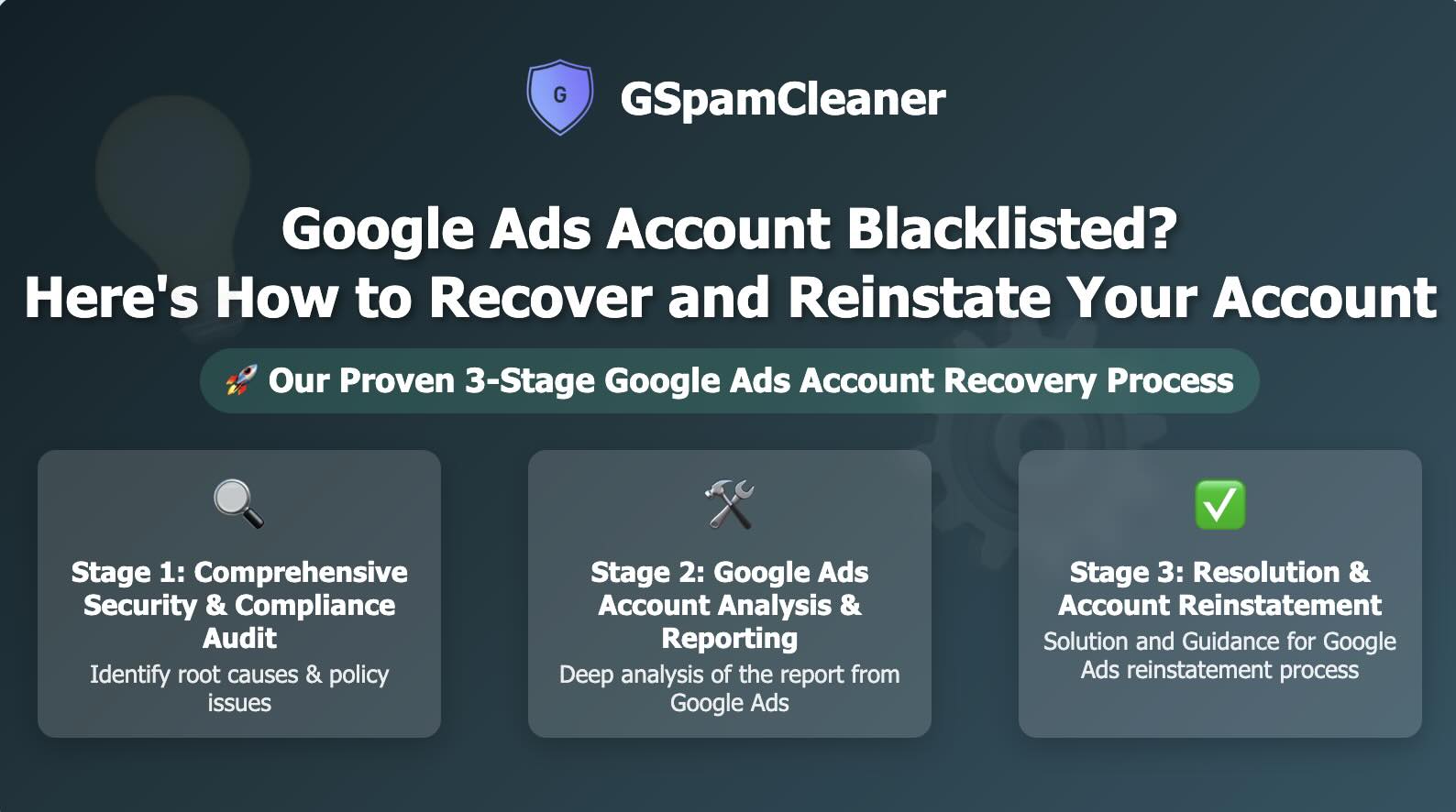
Our Proven 3-Stage Google Ads Account Recovery Process
We've developed a comprehensive 3-stage recovery process that addresses the root cause of blacklisting and ensures successful account reinstatement.
1
Stage 1: Comprehensive Security & Compliance Audit
We conduct a thorough examination of your digital assets to identify all issues causing the blacklisting.
- Malware detection and analysis
- Blacklist status verification
- Spam content identification
- Vulnerability assessment
SEO & Compliance Check
- In-depth SEO status review
- Policy compliance verification
- Landing page quality audit
- User experience assessment
2
Stage 2: Google Ads Account Analysis & Reporting
We analyze your Google Ads account data to understand the specific violations and create a recovery strategy.
Option A: Self-Service
- You request report from Google Ads
- We guide you through the process
- You provide the reports to our team
Option B: Full Service
- You grant us collaborator access
- We handle everything on your behalf
- Faster turnaround time
3
Stage 3: Resolution & Account Reinstatement
We implement the solution and guide you through the Google Ads reinstatement process.
Problem Resolution
We fix all identified issues based on our comprehensive review
Reinstatement Template
We provide a proven template to submit to Google Ads for account recovery
Direct Submission (Optional)
If collaborator access is granted, we submit the report directly to Google Ads
Future Protection
We provide steps to secure your site from future incidents
🚀 Ready to Recover Your Google Ads Account?
Don't let account suspension disrupt your business. Our expert team is ready to help you get back to advertising.
What You Get:
❓
Frequently Asked Questions
About the GSpamCleaner Team
Our expert team of WordPress security specialists and SEO professionals has been protecting websites from Google spam penalties since 2020. We've helped over 500 websites recover from spam penalties and maintain clean search rankings.
🚀 Ready to Protect Your WordPress Site?
Join our waitlist for early access to GSpamCleaner and protect your site from Google spam penalties.
Join Waitlist - FREE