
GSpamCleaner Team
2025-09-14 • 6 min read
Blog Comment Spam vs. Trackback Spam: What’s the Difference and How to Stop Both
Understand the key differences between blog comment spam and trackback spam. Learn effective strategies and plugins to protect your website from both.
⚠️ Two Sides of the Same Spam Coin
If you think eliminating comment spam solves your WordPress spam problems, you might be missing the hidden threat of trackback spam. Understanding both is crucial for complete website protection.
🔍
Understanding the Two Types of WordPress Spam
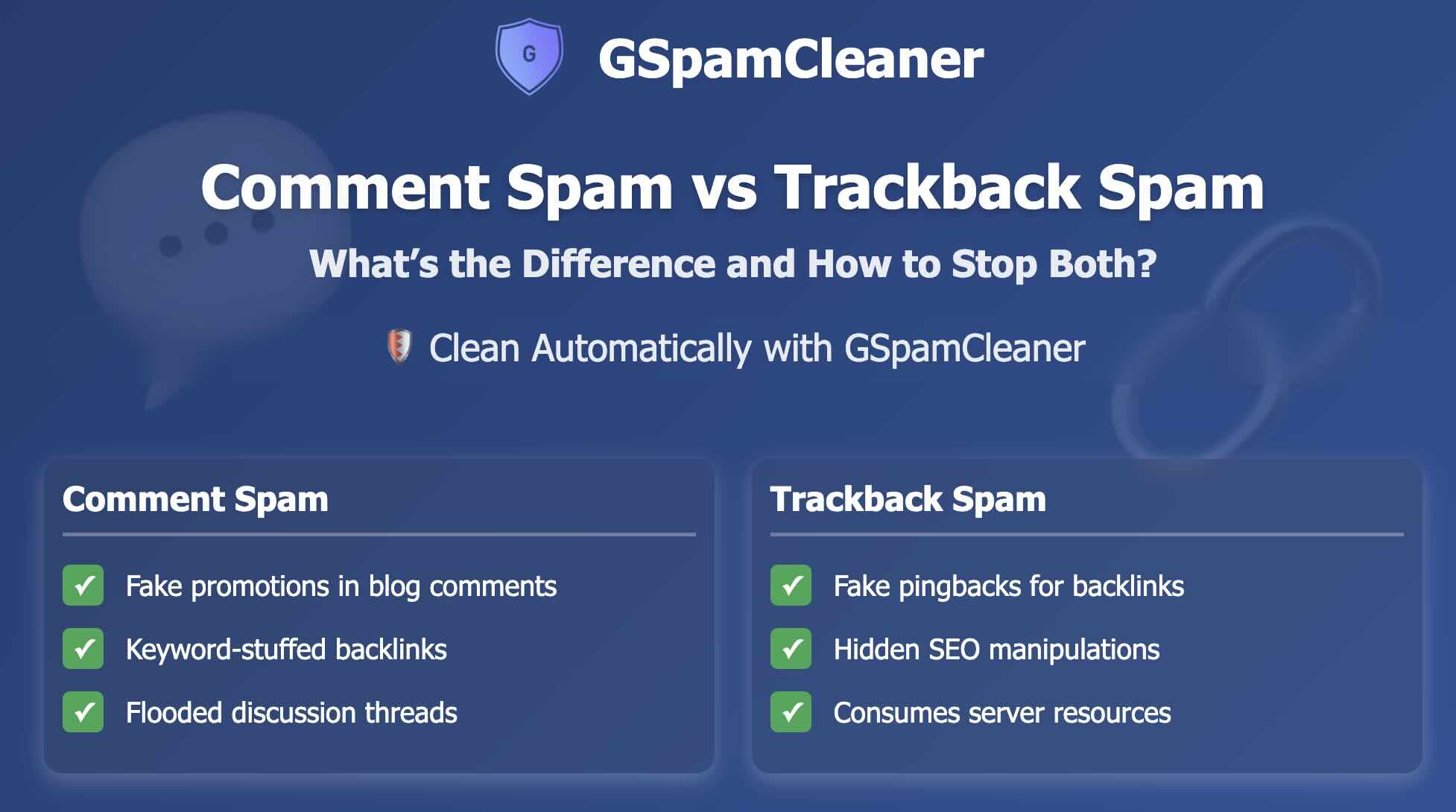
WordPress sites face two primary forms of spam attacks: comment spam and trackback/pingback spam. While they appear in similar places, they work differently and require slightly different prevention strategies.
Comment Spam
- • Appears in your comments section
- • Contains links to spam sites
- • Often uses generic praise ("Great post!")
- • Posted manually or by bots
- • Easily visible to visitors
Trackback/Pingback Spam
- • Automatically generated by other sites
- • Appears as a reference to your content
- • Often contains misleading excerpts
- • Uses WordPress's pingback system
- • Can be hidden from immediate view
⚙️
How Comment Spam and Trackback Spam Work
💬
The Mechanics of Comment Spam
Comment spam is the more obvious of the two threats. It typically follows this pattern:
- Discovery: Bots find WordPress sites with open comment forms
- Submission: Automated tools submit comments with spam links
- Content: Comments often contain generic praise with embedded links
- Goal: Improve the spam site's SEO through backlinks
Impact: Comment spam creates a poor user experience, damages your site's credibility, and can lead to Google penalties if toxic links remain.
🔗
The Mechanics of Trackback Spam
Trackback spam is more technical and exploits WordPress's built-in pingback system:
- Exploitation: Bots exploit WordPress's XML-RPC protocol
- Notification: Spam sites send pingbacks claiming to reference your content
- Auto-creation: WordPress automatically creates trackbacks unless disabled
- Stealth: Often goes unnoticed as it doesn't always appear publicly
Impact: Trackback spam creates toxic backlinks, consumes server resources, and can be harder to detect than comment spam.
🛡️
How GSpamCleaner Stops Both Types of Spam
GSpamCleaner provides comprehensive protection against both comment and trackback spam through a multi-layered approach that works automatically in the background.
Real-Time Comment Analysis
Our advanced algorithms scan every comment submission in real-time, analyzing patterns, URLs, and content to identify and block spam before it's published.
Prevents: Comment spam with malicious links
Pingback Validation System
We validate all incoming trackbacks and pingbacks, verifying they originate from legitimate sources before allowing them to create notifications on your site.
Prevents: Fake trackbacks and pingback spam
Automated Link Cleaning
Any spam links that slip through are automatically detected and neutralized during our daily scans, preventing SEO damage.
Prevents: SEO damage from existing spam
Vulnerability Hardening
We identify and help secure vulnerabilities in your WordPress installation that spammers exploit to submit spam content.
Prevents: Exploitation of WordPress weaknesses
🛠️
Manual Prevention Techniques
While GSpamCleaner automates spam protection, understanding manual techniques helps you appreciate what's happening behind the scenes.
For Comment Spam
- Enable comment moderation for first-time commenters
- Use CAPTCHA or challenge questions on comment forms
- Close comments on older posts (30+ days)
- Implement a comments blacklist for known spam terms
- Regularly review and purge spam comments
For Trackback Spam
- Disable pingbacks and trackbacks in WordPress settings
- Manually review all incoming trackbacks for authenticity
- Whitelist only trusted domains for backlinks
- Regularly check your comments database for hidden trackback spam
- Keep WordPress and plugins updated to avoid XML-RPC exploits
🚀
Manual Defense vs. GSpamCleaner: The Bottom Line
Manual techniques can slow down spam, but they require constant effort and leave gaps for spammers to exploit. Trackback spam in particular often hides under the radar until it damages your SEO. That’s where GSpamCleaner stands out. It not only blocks spam in real time but also removes hidden spam links, validates trackbacks, and continuously monitors your site—all without you lifting a finger.
🛡️ Protect Your WordPress Site Now
Stop wasting hours deleting spam manually. Let GSpamCleaner safeguard your site automatically, 24/7.
About the GSpamCleaner Team
Our expert team of WordPress security specialists and SEO professionals has been protecting websites from Google spam penalties since 2020. We've helped over 500 websites recover from spam penalties and maintain clean search rankings.
🚀 Ready to Protect Your WordPress Site?
Join our waitlist for early access to GSpamCleaner and protect your site from Google spam penalties.
Join Waitlist - FREE